Old vs. new IDs
I got myself a snazzy new keyboard this week. They were on sale and my previous, the Microsoft Ergo Sculpt, feels like it's starting to fail.
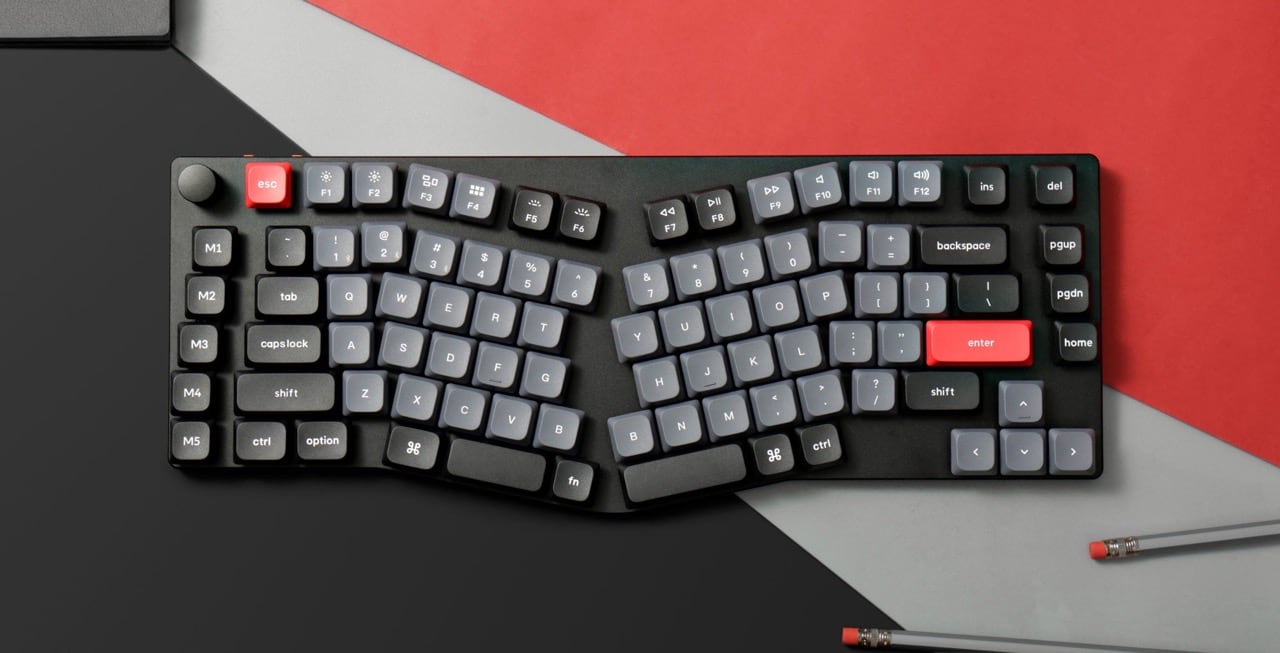
It comes with a manual which I'd like to save, and while I'm at it I thought I'd download the manual for Lucy's keyboard as well.
There's a place for that
Life admin already has a place! I even remember discussing it with Lucy.
10-19 Life admin
 14 My online life
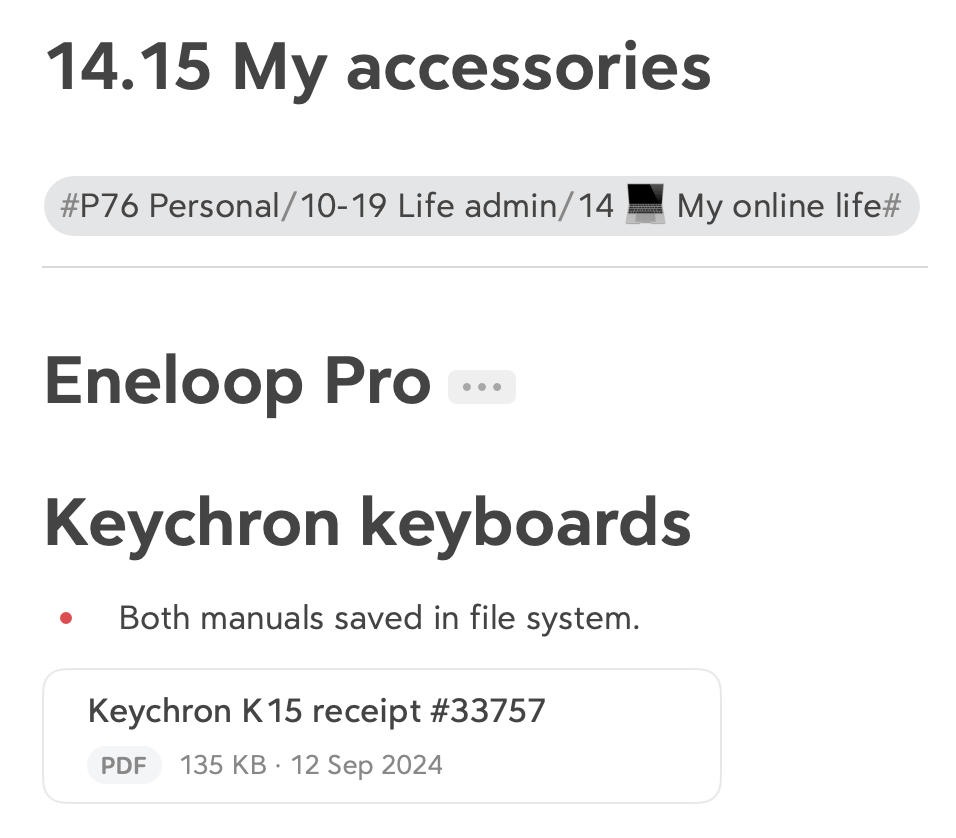
    14.15 My accessories
And so I make a new note in my JDex and that's it, job done.
How I did this previously
I'm really enjoying this shift to a less-granular ID. Designing 'life admin' in to a single area forced us to do it, and I'm thankful for it.
In my previous system this would have been:
10-19 Personal, daily life
 14 Technology
    14.64 Keychron keyboard manuals & receipt
(It just happens that my previous 14 was also technology.)
That is a much more specific ID, but more importantly it would have required me to create it first. This tiny, tiny friction is enough to stop you doing a thing.
Whereas this morning, when I thought to save these manuals, there was no friction. Great idea, I thought. I already know where they go.
Why is the receipt in Bear?
In recording a little YouTube series for Bear (keep an eye on the channel), I wondered to myself why I don't use its feature whereby it lets you attach pretty much anything to a note.
This is probably useful, I thought. So I put my keyboard's receipt in there. I wondered whether it was Spotlight-searchable, which it is; the file is just in a folder buried in your iCloud drive.
In this particular case I think I'll move it back to my main file system folder. Because there's no situation I can envisage where I'll be on the move and need this file on my iPhone.
Contrast with, say, tickets to an art gallery. I think there's a case to be made there that having those available in the Bear note 15.34 The arts is going to be way easier when you get to the gallery.
Both locations are available from my iPhone: they're just files in iCloud. But finding a file in Bear is a nicer experience than doing it in the Files app. (Because what isn't?)