An anti-distraction trick
I fall in to the YouTube or Reddit rabbit-holes sometimes. Not that they're all bad all the time: I love watching a good music video with my headphones in. (That track is slow to start but seriously: watch it all the way. I dare you not to love it.)
But being sucked in to Shorts? Lazy-scrolling the Reddit feed? I know that's not how I want to spend my time.
Well it turns out all of these things leave a trace, and you can use that trace to reveal your bad habits. I find this confronting. It causes me to change.
The trick is easy: just open your browser history, and search for the site you don't love.
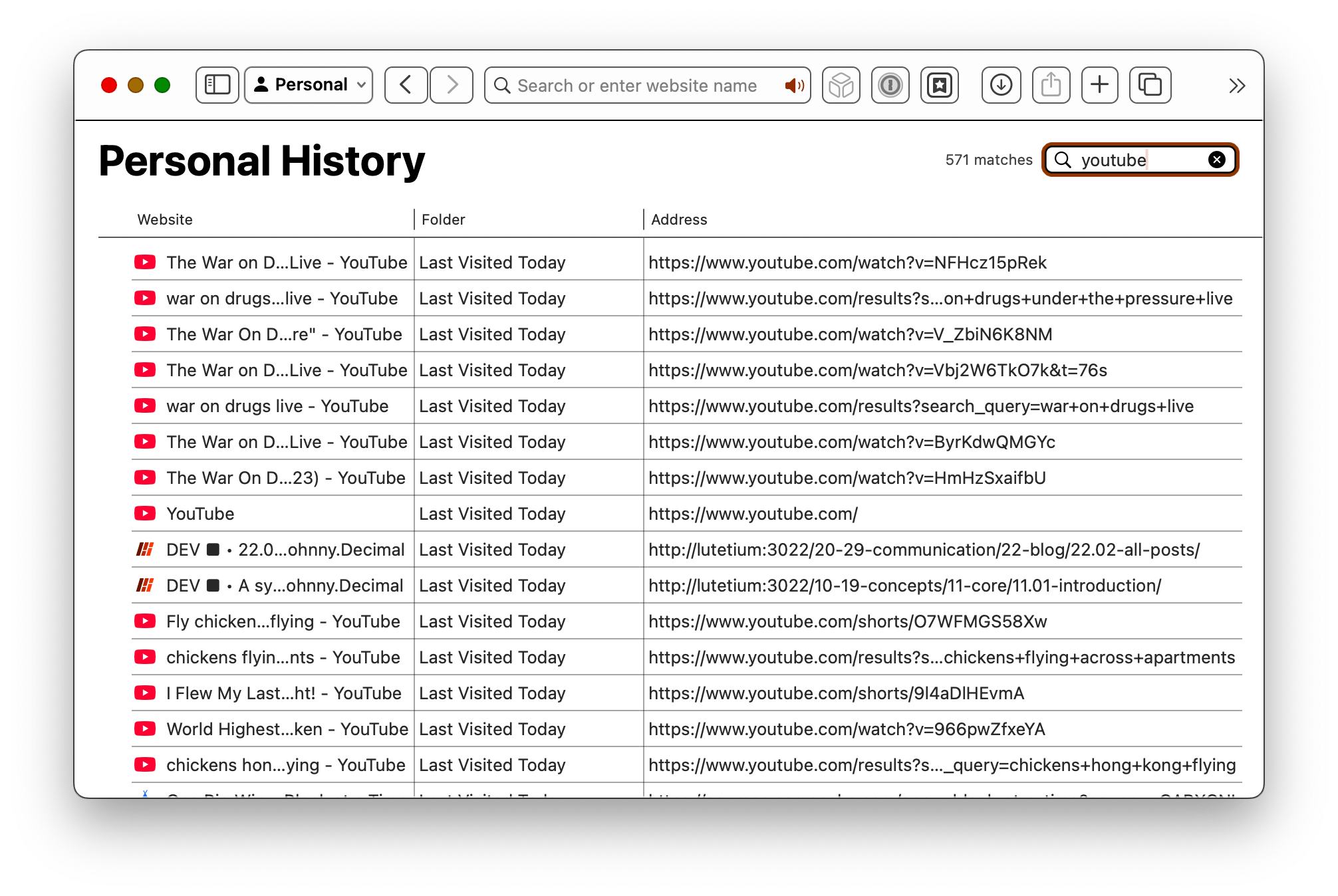
In Safari, hit Command+Y to bring up your history, then type in the search field. Here, I have 571 hits for YouTube. That's okay: most of them are music videos.
But when I did this for Reddit last week, well … shame. So shameful, I deleted them. Command+A to select all, then Delete. So I can't show them to you.
This is particularly revealing for YouTube Shorts, each one of which leaves a record. I've only binged there once, because seeing that record later was honestly enough for me to have never done it again.
There's your life, scrolling away. Do something better.